Understanding the this Keyword in JavaScript
Introduction
In JavaScript, many beginners struggle with this keyword. In this article, we are going to discuss this keyword. Basically, in sort this keyword says who is currently responsible for the current code.
You shouldn't look at where the function is written; you must look at who called it.
Think of this like the word "me" in a sentence. If I say "Me," I’m talking about myself. If you say "Me," you’re talking about yourself.
That means the word doesn’t change, but who it refers to depends on who is speaking.
Simpally
“
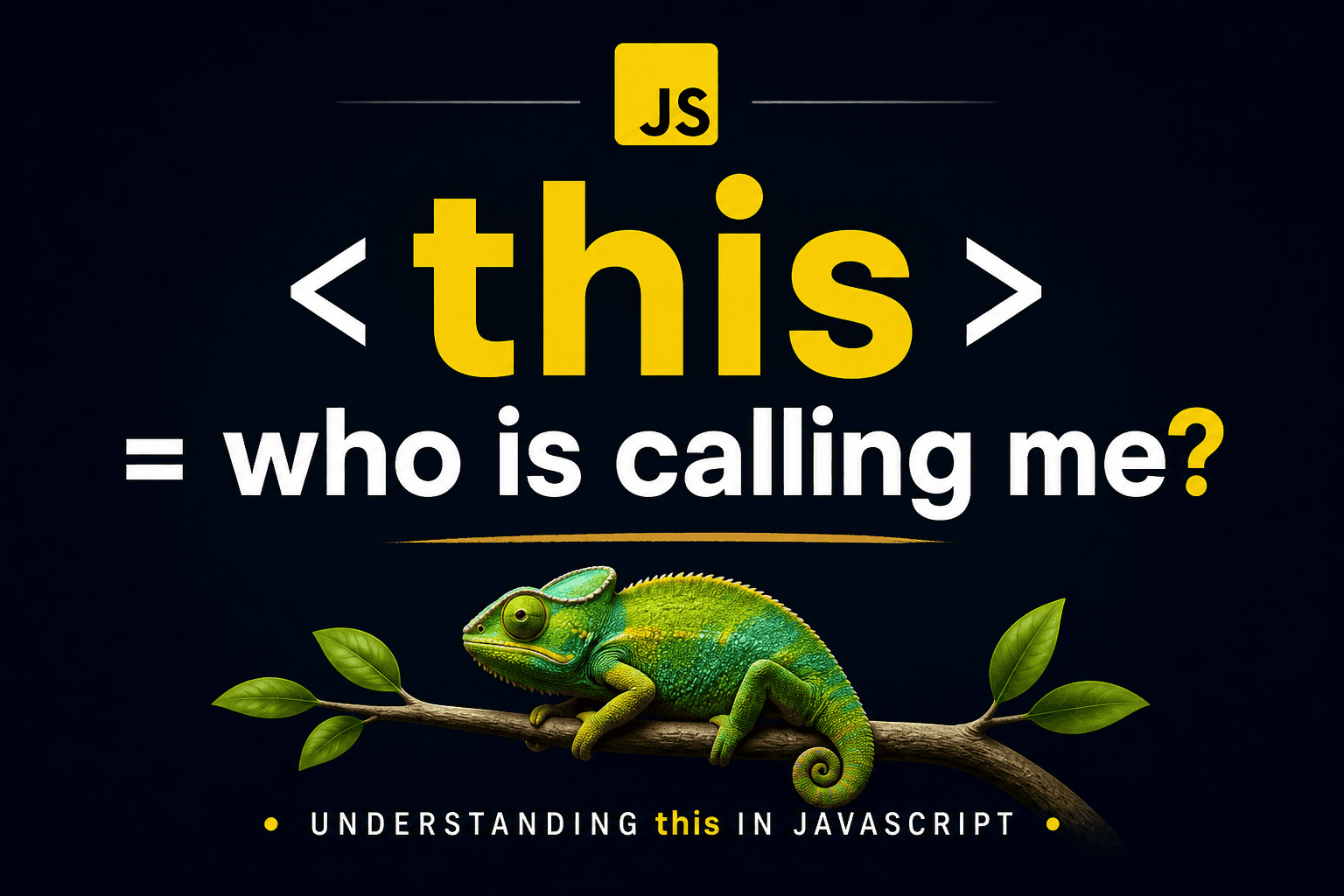
this= who is calling me?”
What this represents
In JavaScript, the this keyword acts like a reference, but it’s not fixed. Its value depends on where and how a function is being executed — in other words, the current execution context.
Let’s make it simple.
Think of this like a chameleon (in my language, we call it girgit).
A chameleon doesn’t have one fixed color. It changes its color based on its surroundings — whether it’s on a leaf, a branch, or a rock.
In the same way, this doesn’t have a fixed identity. It changes depending on where it is used (which object, function, or context it’s inside).
So, wherever this “sits”, it adapts itself to that environment — just like a chameleon changes color based on where it rests.

this in the global context
When we talk about the Global Context, we mean the default environment where your code begins executing — before it enters any specific function or object.
In this situation, this behaves like our chameleon sitting on the widest possible branch — the overall environment itself.
Since there’s nothing more specific around it yet, this takes on the identity of that global environment.
console.log(this);
In a browser →
thisrefers towindowIn Node.js →
thisrefers toglobalobject (or{}in modules)
this inside objects
When a function is defined as a property of an object, it’s called a method. In this case, this refers to the object that owns that method.
Think of our chameleon again. When it crawls onto a specific leaf (an object), it changes its color to match that leaf perfectly. It’s no longer concerned with the whole tree — its focus is only on the leaf it’s currently on.
In the same way, this points to the object that the method belongs to.
Example
const user = {
  name: "Pallab Karmakar",
  greet: function () {
    console.log(this.name);
  }
};

user.greet();
Output:
Pallab Karmakar
this=userobjectBecause
useris calling the function
this inside functions
When a regular function is called on its own (not as a method of an object), this behaves differently.
Think of the chameleon floating in mid-air — it doesn’t have anything to hold onto, so it gets a bit confused.
In older JavaScript behavior (non-strict mode), it falls back to the global environment, so this it points to the global object (like window in browsers).
But in modern JavaScript, "use strict"the chameleon has nowhere to attach itself, so it becomes “invisible” — meaning this it is undefined. This helps prevent accidental changes to global data.
So in short:
Default mode:
thispoints to the global object (window)Strict mode:
thisbecomesundefined
1 . Regular Function
Code example:
function show() {
  console.log(this);
}

show();
In browser →
windowBecause no object is calling it
2. Inside Object but Regular Function
Code example:
const obj = {
  name: "JS",
  show: function () {
    console.log(this);
  }
};

obj.show(); // obj
Output:
{ name: 'JS', show: [Function: show] }
3. Arrow Function
Arrow functions () => {} do not have their own this. They are like "transparent" chameleons. Instead of looking at who called them, they look at their outer environment (where they were written) and adopt that context.
Code example:
const obj = {
  name: "JS",
  show: () => {
    console.log(this);
  }
};

obj.show();
Output:
{}
Note:-
Arrow functions do NOT have their own
thisThey takethisfrom their surrounding (outer scope)
How calling context changes this
this is not attached to where a function is written — it’s decided by how the function is called.
In JavaScript, this idea is called the call site. So instead of looking at where the function was defined, you look at the exact place where it’s being executed.
Whoever is calling the function determines what this will point to.
1. The "Dot" Rule (Implicit Binding)
When a function is called as a method of an object, the object on the left side of the dot becomes the context for this.
Let’s understand it with a simple idea.
Imagine a withdraw function. If Account A calls this function, the money is taken from Account A.
If Account B calls the same function, the money is taken from Account B instead. The function doesn’t change — only the caller does.
In the same way, this depends on which object is calling the method, not where the function was originally written.
function withdraw(amount) {
    this.balance -= amount;
    console.log(`${this.name} now has $${this.balance}`);
}

const accountA = { name: "Binod", balance: 100, run: withdraw };
const accountB = { name: "Baburav", balance: 50, run: withdraw };

accountA.run(20);
accountB.run(20);
Output:
// 'this' is accountA. Result:
Alice now has $80

// 'this' is accountB. Result:
Bob now has $30
2. Losing the Context (The "Detached" Function)
One of the most common bugs happens when you save a method into a new variable. By doing this, you "strip" the function away from its object.
Example:- The "chameleon" falls off the leaf and back onto the ground (the global context).
Code:
const person = {
    name: "Charlie",
    greet: function() { console.log(this.name); }
};

const sayHi = person.greet;
// We just copied the function, not the context!

sayHi();
Output:
undefined (because 'this' is now the Window)
But why?
-> Because when we called detachedSayName(), There was no "object to the left of the dot."
The caller became the global scope.
Different Contexts of this
Global Scope this → window
Object Method obj.method() this → obj
Regular Function function() this → window (or undefined in strict mode)
Arrow Function this → inherited from parent
Conclusion
In simple terms, this is not some mysterious or magical variable. It’s just a reference that answers one question: “Who is calling this function right now?”
Once you understand that, things become much clearer.
Getting comfortable with this is mostly about spotting the caller and using the right pattern — whether that’s a method, a constructor, an arrow function, or explicit binding.
As soon as these patterns start to click, this stops feeling confusing and becomes a predictable, useful part of writing JavaScript.