Understanding Callback Functions in JavaScript
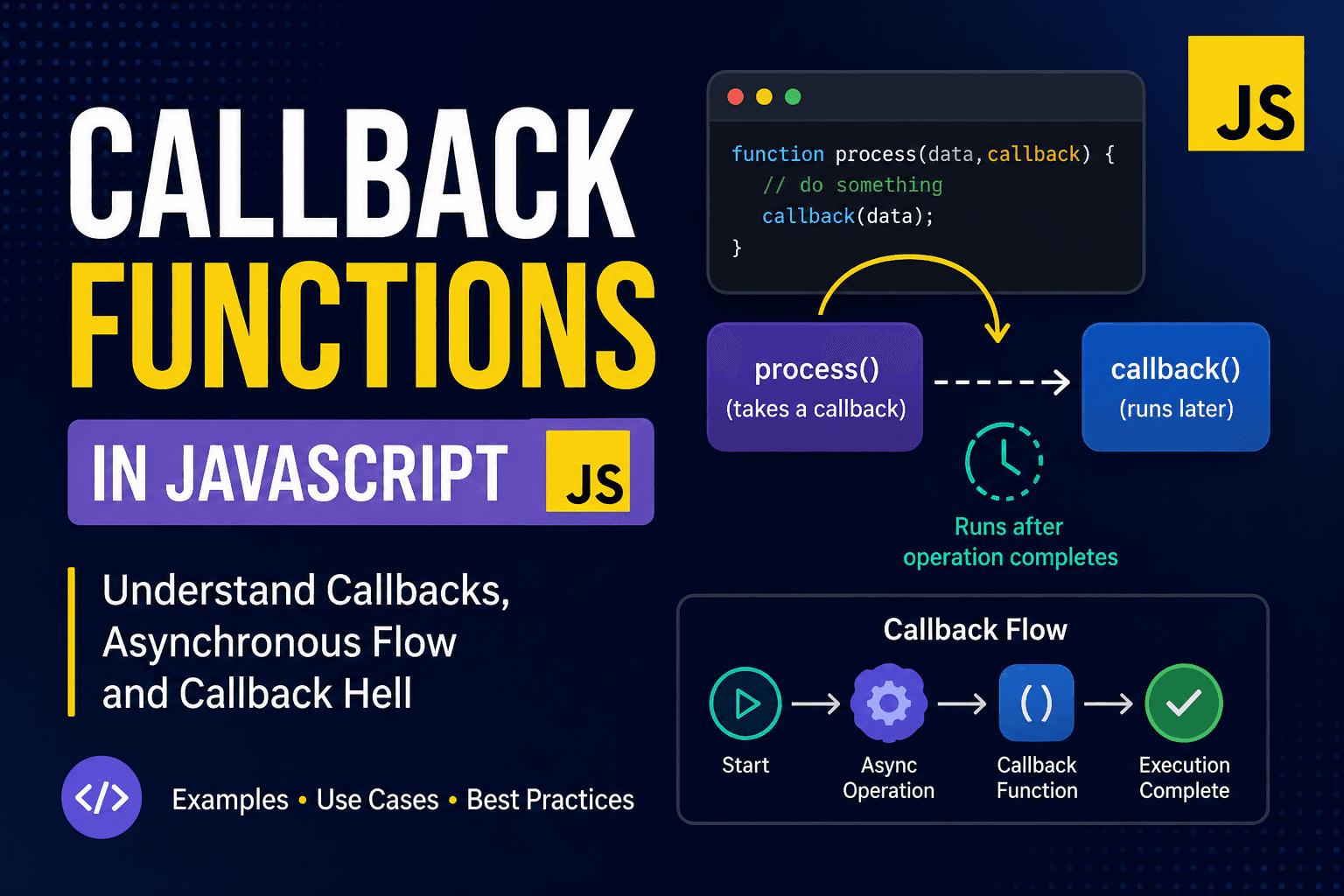
JavaScript is a language where functions are treated as values. This means a function can be stored inside a variable, passed into another function, or even returned from another function. Because of this flexibility, callback functions became one of the most important concepts in JavaScript development.
A callback function is simply a function that is passed as an argument to another function and executed later. Instead of running immediately, the function waits until another operation finishes.
Here is a very simple example:
function greet(name) {
    console.log("Hello " + name);
}

function processUser(callback) {
    const user = "Pallab";
    callback(user);
}

processUser(greet);
In this example, the greet function is passed into processUser as a callback. When processUser runs, it executes the callback function and sends the username as an argument.
Callbacks are heavily used because JavaScript works asynchronously in many situations. Some tasks take time to complete, such as reading files, fetching data from an API, or waiting for user input. JavaScript does not stop the entire program while waiting for these tasks. Instead, it continues running other code and executes the callback once the task is completed.
A common asynchronous example is setTimeout.
console.log("Start");

setTimeout(function () {
    console.log("This runs after 2 seconds");
}, 2000);

console.log("End");
The output will be:
Start
End
This runs after 2 seconds
The timeout function runs later, while the rest of the program continues immediately. This is one of the core ideas behind asynchronous programming in JavaScript.
Callbacks are also common in array methods. Functions like map, filter, and forEach all use callbacks internally.
const numbers = [1, 2, 3];

numbers.forEach(function (num) {
    console.log(num * 2);
});
Here, the callback function runs once for every item inside the array.
Another real-world use case is handling API requests. Earlier JavaScript applications relied heavily on callbacks for server communication.
function fetchData(callback) {
    setTimeout(() => {
        const data = { id: 1, title: "JavaScript Guide" };
        callback(data);
    }, 1000);
}

fetchData(function (response) {
    console.log(response.title);
});
The callback only executes after the simulated API request finishes.
Although callbacks are powerful, too many nested callbacks can make code difficult to read and maintain. This problem is often called "callback hell".
loginUser(function(user) {
    getProfile(user, function(profile) {
        getPosts(profile, function(posts) {
            console.log(posts);
        });
    });
});
As nesting increases, the code becomes harder to debug and understand. This was one of the major reasons JavaScript introduced Promises and later async/await.
Even though modern JavaScript now uses newer asynchronous patterns, understanding callbacks is still extremely important. Many browser APIs, event listeners, and Node.js functions still rely on callbacks internally.
Callback functions teach one of the most important ideas in JavaScript: functions are not just reusable blocks of code, they can also control how and when other code executes. Once this concept becomes clear, learning advanced topics like Promises, asynchronous APIs, and event-driven programming becomes much easier.