The End of the Battle Between TCP and UDP
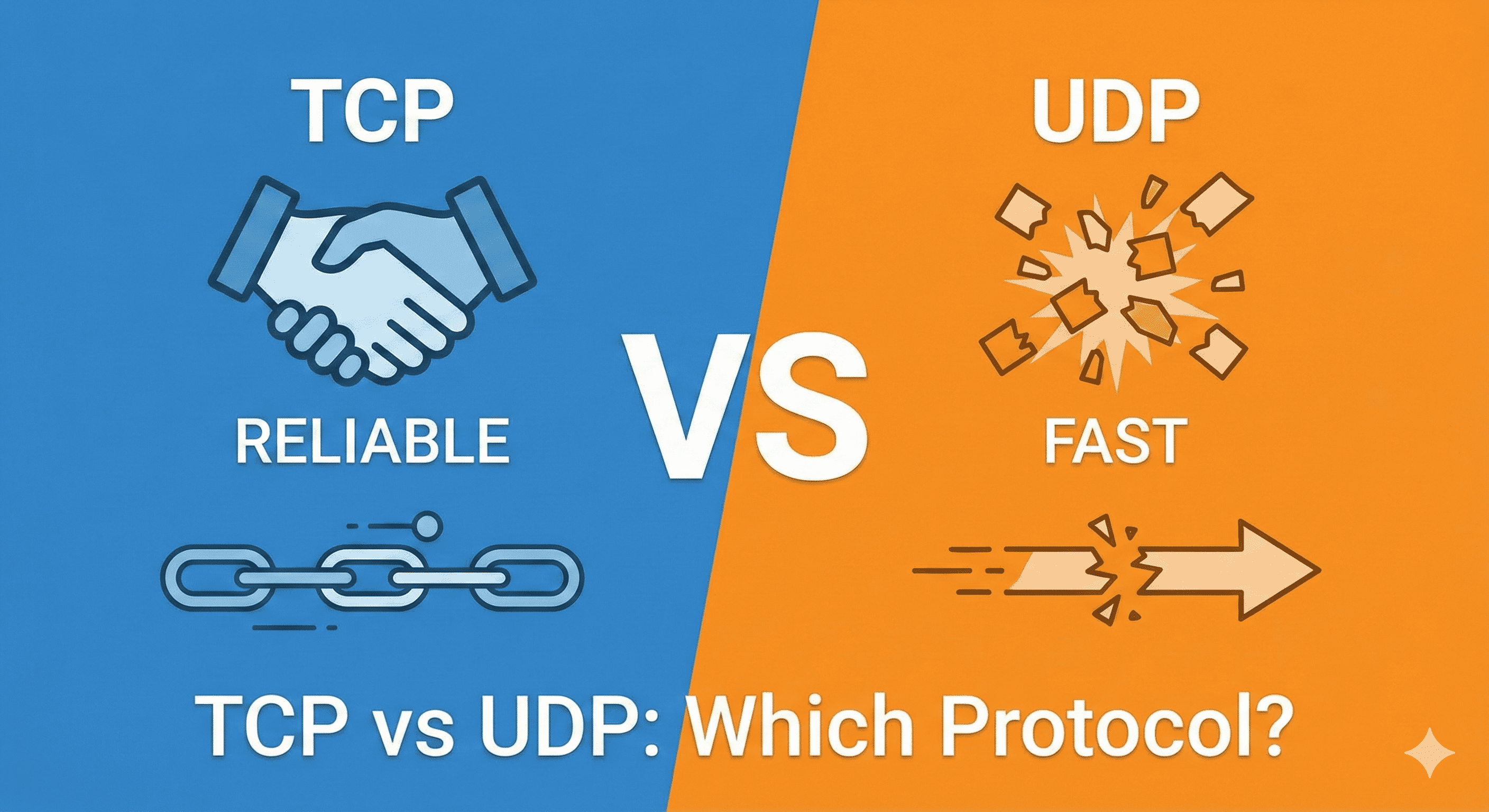
In this article, we will discuss the key differences between TCP and UDP, including their uses. But before starting the discussion, if you don’t know about TCP or the Internet, please prefer to read the Working of TCP article first.
Overview
As you know, to send some data between devices that are connected to the internet, need some kind of rules and regulations to transmit the data. We have these two commonly used internet data transfer protocols.
TCP (Transmission Control Protocol)
UDP (User Datagram Protocol)
Let’s start by understanding the inner working is layman's terms.
Working of TCP
In TCP, when a client needs some data from the server, we need a connection, and the client does not know whether the connection exists or not. Therefore, when a client wants to send some data, TCP tries to build a strong connection using 3-Way handshaking. This is nothing special, but a smart mechanism. In this mechanism, the client first says “Hey server, I want to talk to you”, if the server gets the data, then the server says “okay, along with I am ready”, and if the client gets “okay”. Then the client sends “okay” to the server again. (Note that this is only the analogy; if you want to know the real thing, follow our TCP Internal article)

Once this connection is established client actually starts sending the data.
Benefits of TCP
Due to the smart handshaking, it is reliable.
If the client sends some data and does not receive the acknowledgment client starts to retransmit the data
TCP maintains the order of data packets by only sending the next data packet after getting an acknowledgment for the previous packet from the server.
TCP actually attaches some extra bits of data so that it can handle errors in the data during transmission.
Problems of TCP
Everytime clinet need to send some data, it actually creates a strong connection,n which is time-consuming.
This is slow.
The working of handshaking is confusing for beginners.
Usages
Where data reliability matters, TCP is widely preferred to use.
Transactional SMS of a bank.
Finance management application.
Working of UDP
If you remove the handshaking and the acknowledgement part from TCP, we are actually left with the protocol named UDP.
Benefits of UDP
It doesn’t need any connection; due to this, UDP is very fast.
It can send data in real time because the speed of data transfer is too high.
Problem of UDP
It is not reliable.
It doesn’t take the guarantee of successful data transmission.
Data may be received in the wrong order.
Usages
Where data should be transferred in real time, UDP is preferred to use.
Real-time Video calling app
Live streaming

HTTP vs TCP
This is a topic where many beginners get confused between HTTP and TCP. TCP provides reliable delivery for any application data (web, mail, file transfer, etc.) in a safe and ordered manner. Whereas HTTP (HyperText Transfer Protocol) is an application-layer protocol used to transfer web resources such as HTML pages, CSS files, images, and JSON data. To send this HTTP data over the internet, HTTP usually runs on top of TCP, and TCP ensures the data is delivered correctly and in order.
Actually, TCP is working on the OSI layer 4 or TCP/IP layer 2. And HTTP is an application-layer protocol. So HTTP runs on top of TCP. It depends on TCP as the transport.

Conclusion
Both TCP and UDP has there one benefit with their own trade-offs. We as users select between these two protocol as your usecase. If reliability and data consistency are our main priority, then TCP is the best. If real-time data transmission is our main focus, reliability is a secondary concern, then UDP is the best.