Template Literals in JavaScript
Handling strings in JavaScript is one of the most common tasks we perform during coding. But using a traditional string, something creates a few issues that we have to solve with template literals.
What are Template Literals
In JavaScript, we can write template literals that are delimited with backtick (`) characters, allowing the user to add multi-line strings and embedded expressions, also called string interpolation.
Syntax
`string text` // single line string
`string text line1
string text line2` // multi line string

`string text ${a + b}` // expression
Example
let singleText=`this is a single line text`
console.log(singleText)
let multilineText=`this is a multi
line text`
let a=5;
let b=7;
console.log(`sum of \({a} and \){b} is ${a+b}`)
Problems with traditional strings
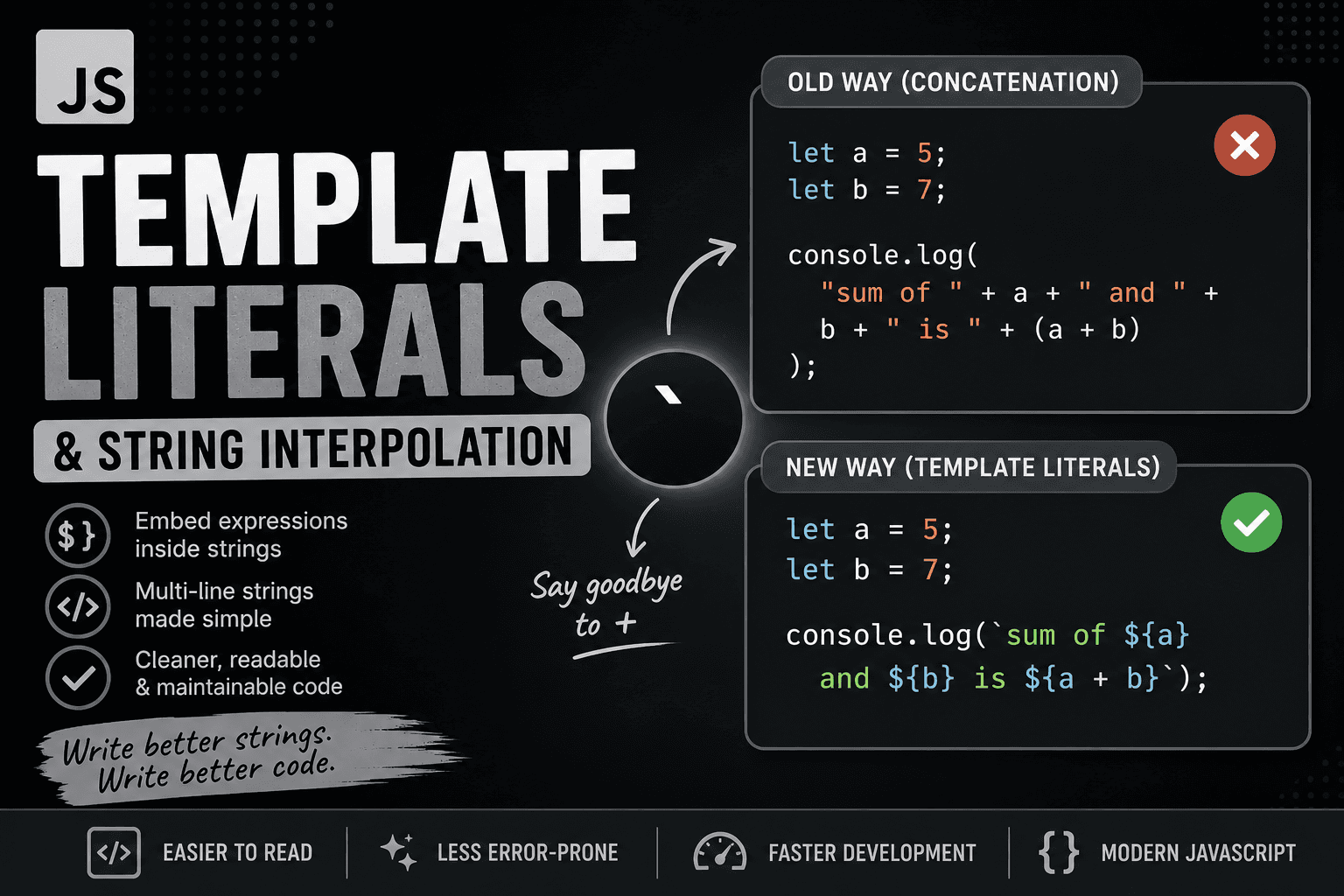
If we use a traditional string, then writing some expression is really tough.
example
let a = 5;
let b = 7;

console.log("sum of " + a + " and " + b + " is " + (a + b));
Problems:
Hard to read when strings get long
Too many
+operatorsEasy to make mistakes (missing spaces, brackets)
Difficult to maintain in large code
Template Literals (Modern Way)
let a = 5;
let b = 7;

console.log(`sum of \({a} and \){b} is ${a + b}`);
This is cleaner, readable, and easier to debug & maintain. No need for extra concatenation. Here, Expression works directly inside ${}
Multi-line Strings Comparison
Old Way:
let text = "This is line 1\n" +
           "This is line 2\n" +
           "This is line 3";
Template Literals:
let text = `This is line 1
This is line 2
This is line 3`;
As we can see in the examples above, in template literals, we don't need to use escape characters for newlines (\n).
String Interpolation
If we want to use a variable between our strings, traditionally, we have to do it like this
let name="Pallab karmakar"
let role="full stack developer"
console.log("Hello I am" + name + "my role is "+role)
Using Interpolation
let name="Pallab karmakar"
let role="full stack developer"
console.log(`Hello I am \({name} my role is \){role}`)

Use Cases in Modern JavaScript
Template literals are widely used in real-world development:
Dynamic messages
let user = "Pallab";
console.log(`Welcome back, ${user}!`);
- HTML generation (Frontend)
let card = `
  <div>
    <h1>${user}</h1>
    <p>Score: ${score}</p>
  </div>
`;
- API responses/logging
console.log(`User \({user} logged in at \){new Date()}`);
Conclusion
String interpolation is a better syntactic way to write strings, which helps developers to show their message easily. It ensures more reliability and maintainability.