Destructuring in JavaScript
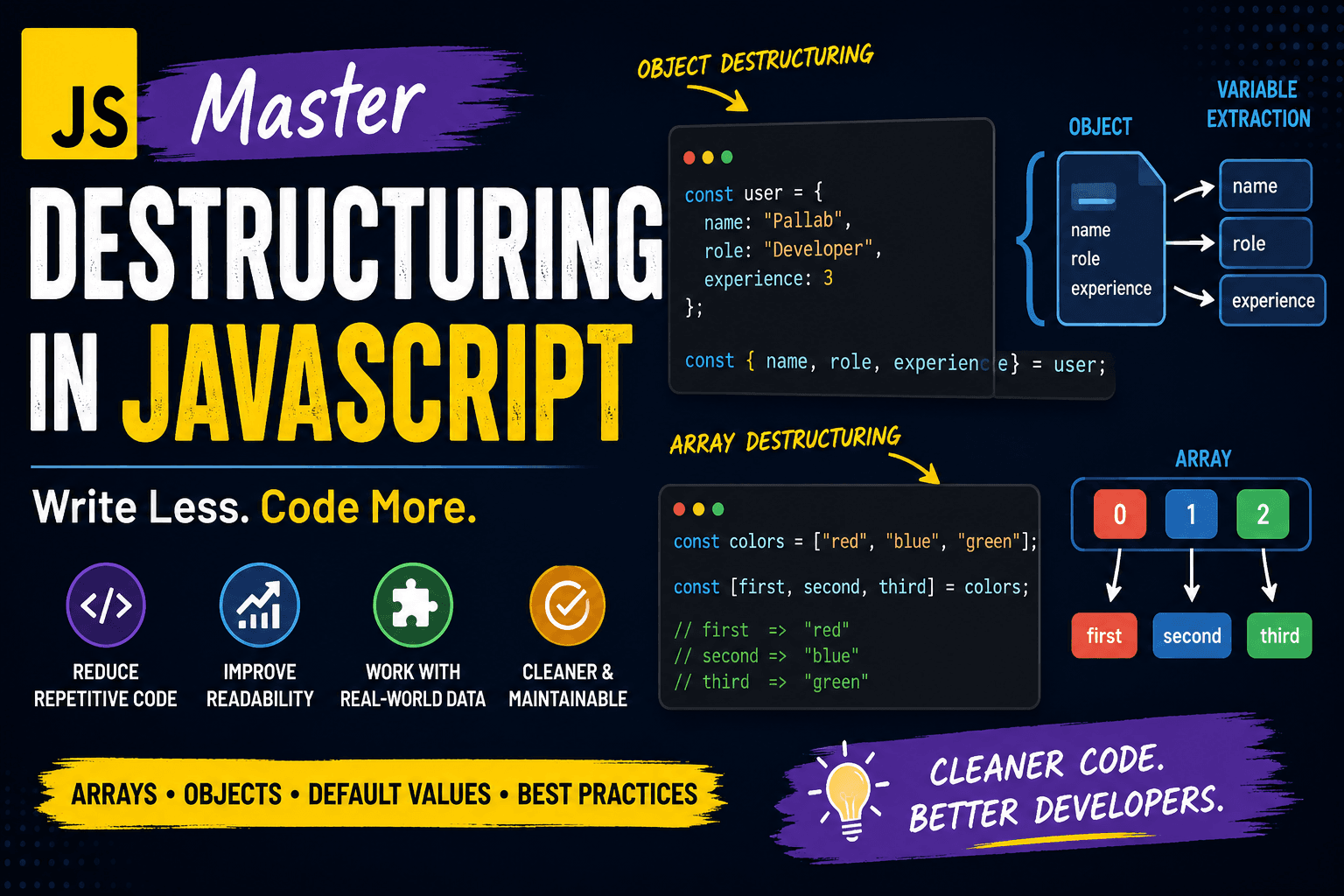
Modern JavaScript development is heavily focused on writing cleaner, maintainable, and scalable code. One feature that helps developers achieve this is destructuring. Introduced in ES6, destructuring allows developers to extract values from arrays and objects into variables using a concise syntax.
For intermediate and advanced developers, destructuring is more than just shorthand syntax. It improves readability, simplifies function handling, reduces repetitive code, and makes working with APIs or large data structures easier.
What Destructuring Means
Destructuring is a JavaScript feature that lets you unpack values from arrays or properties from objects directly into variables.
Without destructuring, developers usually access values one by one:
const user = {
  name: "Pallab",
  role: "Developer",
  experience: 3
};

const name = user.name;
const role = user.role;
const experience = user.experience;
With destructuring:
const user = {
  name: "Pallab",
  role: "Developer",
  experience: 3
};

const { name, role, experience } = user;
The second approach is shorter, cleaner, and easier to maintain.
Destructuring Arrays
Array destructuring extracts values based on their position.
Basic Example
const colors = ["red", "blue", "green"];

const [first, second, third] = colors;

console.log(first);  // red
console.log(second); // blue
console.log(third);  // green
Here:
firstgets the first valuesecondgets the second valuethirdgets the third value
Skipping Values
Sometimes developers only need specific values.
const numbers = [10, 20, 30, 40];

const [first, , third] = numbers;

console.log(first); // 10
console.log(third); // 30
The empty space skips unwanted values.
Using Rest Operator
The rest operator collects remaining items.
const tools = ["VS Code", "Git", "Docker", "Postman"];

const [mainTool, ...otherTools] = tools;

console.log(mainTool);
console.log(otherTools);
Output:
VS Code
["Git", "Docker", "Postman"]
This is useful when handling dynamic arrays.
Destructuring Objects
Object destructuring extracts properties using property names instead of positions.
Basic Object Destructuring
const server = {
  host: "localhost",
  port: 3000,
  protocol: "https"
};

const { host, port, protocol } = server;

console.log(host);
console.log(port);
Renaming Variables
Advanced applications often require cleaner or safer variable names.
const user = {
  username: "dev_pallab",
  email: "pallab@example.com"
};

const { username: userName, email: userEmail } = user;

console.log(userName);
console.log(userEmail);
Here:
usernamebecomesuserNameemailbecomesuserEmail
This avoids naming conflicts in large codebases.
Nested Object Destructuring
Real-world applications frequently use deeply nested data from APIs.
const response = {
  status: 200,
  data: {
    profile: {
      fullName: "Pallab Karmakar",
      skills: ["JavaScript", "Node.js"]
    }
  }
};

const {
  data: {
    profile: { fullName, skills }
  }
} = response;

console.log(fullName);
console.log(skills);
Nested destructuring reduces repeated property access.
Default Values
Default values prevent undefined errors when properties or array items are missing.
Array Defaults
const settings = ["dark"];

const [theme, layout = "grid"] = settings;

console.log(theme);
console.log(layout);
Output:
dark
grid
Object Defaults
const config = {
  apiUrl: "https://example.com"
};

const { apiUrl, timeout = 5000 } = config;

console.log(timeout);
This technique is extremely useful in configuration-based applications.
Before vs After Destructuring
Without Destructuring
const employee = {
  id: 101,
  department: "Engineering",
  salary: 80000
};

const id = employee.id;
const department = employee.department;
const salary = employee.salary;
With Destructuring
const employee = {
  id: 101,
  department: "Engineering",
  salary: 80000
};

const { id, department, salary } = employee;
The destructured version is:
More readable
Easier to scale
Less repetitive
Cleaner during refactoring
Destructuring in Function Parameters
Advanced developers frequently use destructuring directly inside function parameters.
function createUser({ name, role, isAdmin = false }) {
  console.log(name);
  console.log(role);
  console.log(isAdmin);
}

createUser({
  name: "Pallab",
  role: "Backend Developer"
});
Benefits:
Cleaner parameter handling
Built-in defaults
Better readability
Easier API integration
This pattern is heavily used in React, Express.js, and Node.js applications.
Benefits of Destructuring
Reduces Repetitive Code
Instead of repeatedly writing object references, developers can extract values once and use them directly.
Improves Readability
Clean variable extraction makes code easier to understand for teams and collaborators.
Better API Handling
Modern APIs return nested JSON structures. Destructuring helps simplify data extraction.
const {
  data: { token }
} = apiResponse;
Cleaner Function Signatures
Functions become easier to maintain when using object destructuring with defaults.
Works Well with Modern Frameworks
Libraries and frameworks like:
React
Next.js
Express.js
Vue
Node.js
Heavily relies on destructuring patterns.
Example from Express:
const { id } = req.params;
const { search } = req.query;
Common Mistakes Developers Make
Destructuring Undefined Values
const { name } = undefined;
This throws an error.
Safer approach:
const { name } = user || {};
Variable Name Conflicts
Avoid extracting variables with names already used in scope.
Use renaming:
const { id: userId } = user;
Final Thoughts
Destructuring is no longer just a modern JavaScript feature. It has become a standard practice in professional development. Intermediate and advanced developers use it daily to write concise, scalable, and maintainable code.
Whether you are working with API responses, React props, Express request objects, configuration files, or database results, destructuring helps simplify complex code structures.