Arrow Functions in JavaScript: A Simpler Way to Write Functions
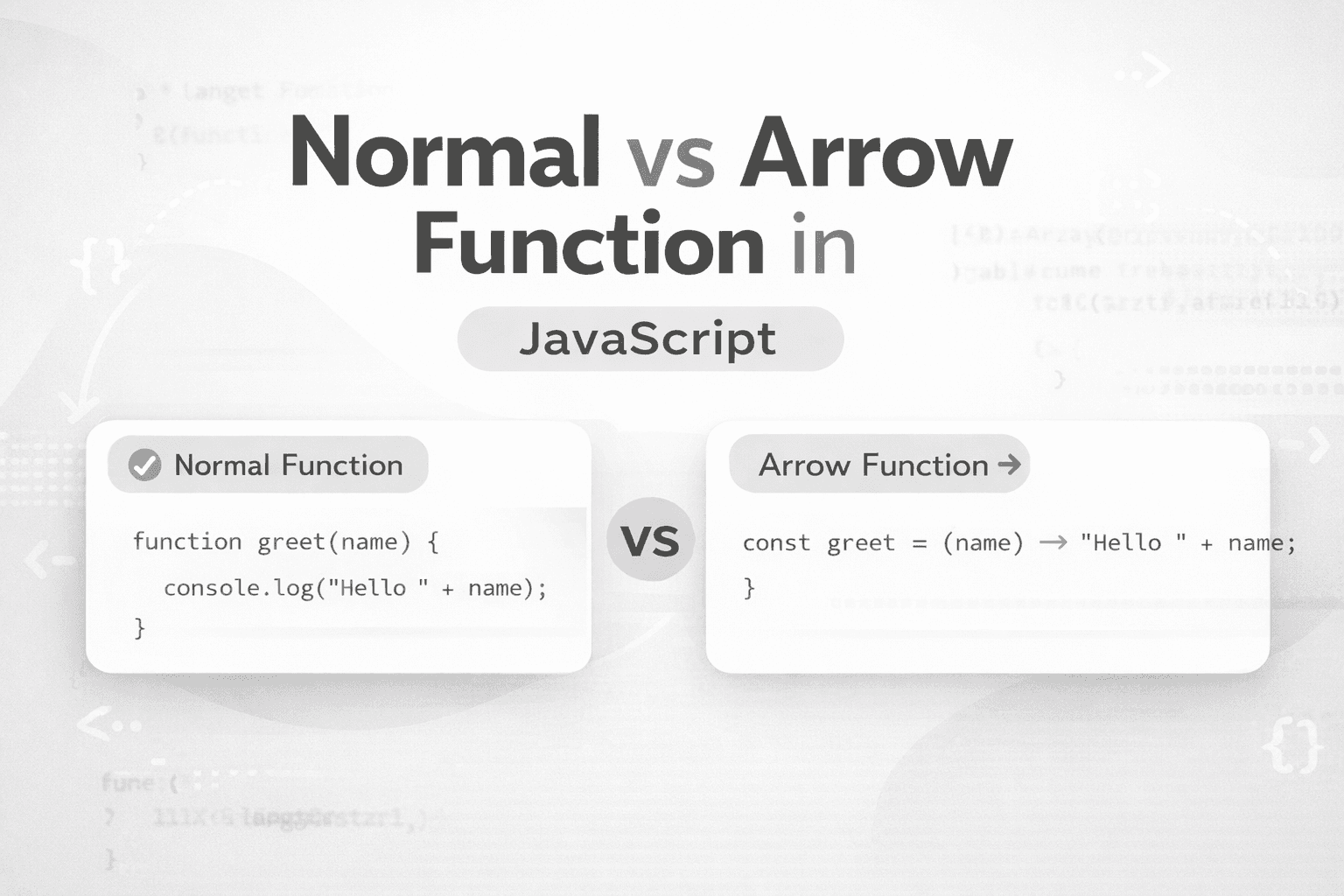
In JavaScript, most developers use functions to maintain the DRY (do not repeat) principle. JavaScript actually has 2 way to write a function.
Normal Function
Arrow Function
In this article, we are going to see what the use cases of arrow functions are, and why they make much more sense than the normal function.
Tradition Function
In JavaScript, writing a function involves first using the keyword "function," then providing a name for the function. If parameters are needed, they are placed within parentheses. The code logic of the function is then written inside the block.
function func_name(paramenter1, parameter2){
    // You Can write function logic here
    console.log(parameter1,parameter2);
}
Let's take a practical example of a function to observe things more clearly.
function isVote(age){
    if(!Number.isInteger(age)) return false;
    if(age>17) return true;
    return false;
}
In this function, we are just checking whether a user is able to vote or not based on the user's age.
Arrow Function
As we can see in the traditional way of writing a function, the code look little bit verbose, and for a simple task, it may look overwhelming. To fix, we can use an arrow function.
Syntax
const func1=(parameter1,paramenter2)=> {
    // our code logic should be here
}
Now, for better understanding, try to convert our old isVote function into an arrow function.
const isVote=(age)=> age>17?true:false
// or we can use
const isVote=(age)=> (age>17?true:false) // both are valid
// if we not use {} and our task done in single line it automatically return the value. Implicit Return
Now, what we can observe from this, it is actually less verbose unlike tradition function. And here, for a simple task, we don't need to do many things.
Let's take another example.
const isValidVoter(name,age)=>{
    if(typeof name!=="string" && age>17) return true;
    else return false;
}
// Note when we use {} we it is our responsibilty to return stuff. This is explicit return.
More Use Cases
If you have an array with a few items, you can use an arrow function in map and filter to do some operation on them.
- Map()
let arr=[1,2,3,4,5]
let multiOf2=arr.map((item)=>item*2)
// Output
// [2, 4, 6, 8, 10]
- Filter()
let fruits = ["Apple", "Orange", "Pineapple", "Mango"];

let fruitStartWithA = fruits.filter(
  (item) => item.charAt(0).toLowerCase() === "a"
);

console.log(fruitStartWithA);
// Output
// ['Apple']
Differences between Normal Function and Arrow Function
Arguments
Normal function → has its own
arguments.Arrow function → does NOT have
arguments.
It borrows from the outer scope.
function func1() {
  console.log("function 1", arguments);
} // Normal Function
const func2 = () => {
  console.log("function 2", arguments);
}; // Arrow Function
func1(); // Calling the Normal Function
func2(); // Calling the Arrow Function

// normal function → empty [Arguments] {}
// Arrow → borrowed Node wrapper arguments (exports, require, etc.)
Constructor
In normal function, we can create a Constructor function and use the new keyword to create multiple objects of that Constructor, these are known as a constructor function.
Normal Function Example
function TataCar(chassisNumber, modelName) {

  this.chassisNumber = chassisNumber;

  this.modelName = modelName;
  this.fuelLevel = 100;

}
// Polyfill
TataCar.prototype.status = function () {
  return `Tata \({this.modelName} #\){this.chassisNumber} | Fuel: ${this.fuelLevel}`;
};

const car1 = new TataCar("MH-101", "Nexon");
const car2 = new TataCar("DL-202", "Harrier");

console.log(car1.modelName);
console.log(car2.modelName);
console.log(car1.status());
console.log(car2.status());

// Output
// Nexon
// Harrier
// Tata Nexon #MH-101 | Fuel: 100
// Tata Harrier #DL-202 | Fuel: 100
Arrow Function Example
const TataCar = (chassisNumber, modelName) => {
  chassisNumber = chassisNumber;

  modelName = modelName;
  fuelLevel = 100;
  status = function () {
    return `Tata \({this.modelName} #\){this.chassisNumber} | Fuel: ${this.fuelLevel}`;
  };
};

const car1 = new TataCar("MH-101", "Nexon");
const car2 = new TataCar("DL-202", "Harrier");

console.log(car1.modelName);
console.log(car2.modelName);
console.log(car1.status());
console.log(car2.status());
// This throws an error
// const car1 = new TataCar("MH-101", "Nexon");
// TypeError: TataCar is not a constructor
Use of "This"
Normal Function and this
In a normal function:
this depends on how the function is called.
Example 1: Global Call
function normalFuncThis() {
  return [this, typeof this];
}

console.log(normalFuncThis());
// Output
// [Window, "object"]
// Output in Node environment Strict Mode
// [ undefined, 'undefined' ]
Example 2: Method Call
const obj = {
  a: 10,
  normal() {
    return this.a;
  },
};

console.log(obj.normal()); //this = obj
// Output
// 10
Arrow Function and this
Arrow functions do not create their own this. They capture this from where they are defined (lexical scope).
Example 1
const obj = {
  a: 10,
  arrow: () => {
    return this.a;
  },
};

console.log(obj.arrow());
// Output
// undefined
Arrow function can't borrow this form from the object. It only borrows this to its lexical parent scope
Example 2
const obj = {
  a: 10,
  method1() {
    const func1 = () => {
      return this.a;
    };
    return func1();
  },
};

console.log(obj.method1());
// Output
// This
Example 3
const filmSet = {
  crew: "Spot boys",
  prepareProps() {
    console.log(`Outer this.crew: ${this.crew}`);

    function arrangeChairs() {
      console.log(`Inner this.crew: ${this.crew}`);
    }
    arrangeChairs();

    const arrangeLights = () => {
      console.log(`Arrow this.crew: ${this.crew}`);
    };
    arrangeLights();
  },
};

filmSet.prepareProps();
// Output
// Outer this.crew: Spot boys
// Inner this.crew: undefined
// Arrow this.crew: Spot boys
So let's try to understand the behaviour of the above code
Calling prepareProps()
here the this == flimSet
here prepareProps() is a normal method, so it has access to this, which is flimSet crew: "spot boys"
Output:
Outer this.crew: Spot boys
Calling arrangeChairs()
arrangeCharis() is a normal method again, but it is inside the prepareProps(). Normal methods has there own this, so here this !== flimSet
Not called as a method of
filmSetIn strict mode →
this = undefinedIn a non-strict browser →
this = windowOutput
Inner this.crew: undefined
Inside arrangeLights() (Arrow Function)
Arrow functions do not create their own
thisThey capture
thisfrom the parent lexical scopeDefined inside
prepareProps()And there
this = filmSetOutput:
Arrow this.crew: Spot boys
Conclusion:
In JavaScript, the arrow function at the beginning may feel overwhelming. To understand the concept of arrow function, you should always run this code in both the browser console and node environment so you can understand its behavior.