Arrays in JavaScript: Beginner Guide
One of the first problems we encounter when learning programming is effectively managing multiple values. Consider a scenario in which you wish to store a student's grades across five distinct subjects. You might create five different variables if you don't have a systematic way to store them.
let math = 85;
let science = 90;
let english = 78;
let history = 88;
let geography = 92;
This strategy appears straightforward at first. However, as the number of values rises, issues begin to arise. What happens if you have to manage hundreds of tasks in a to-do list or store grades for fifty different subjects? It soon becomes messy and challenging to maintain and create distinct variables for every value.
Arrays are very helpful in this situation. We can store multiple values in a single variable while preserving their order using arrays. They facilitate the structured organization, access, and manipulation of data collections.
What is an Array?
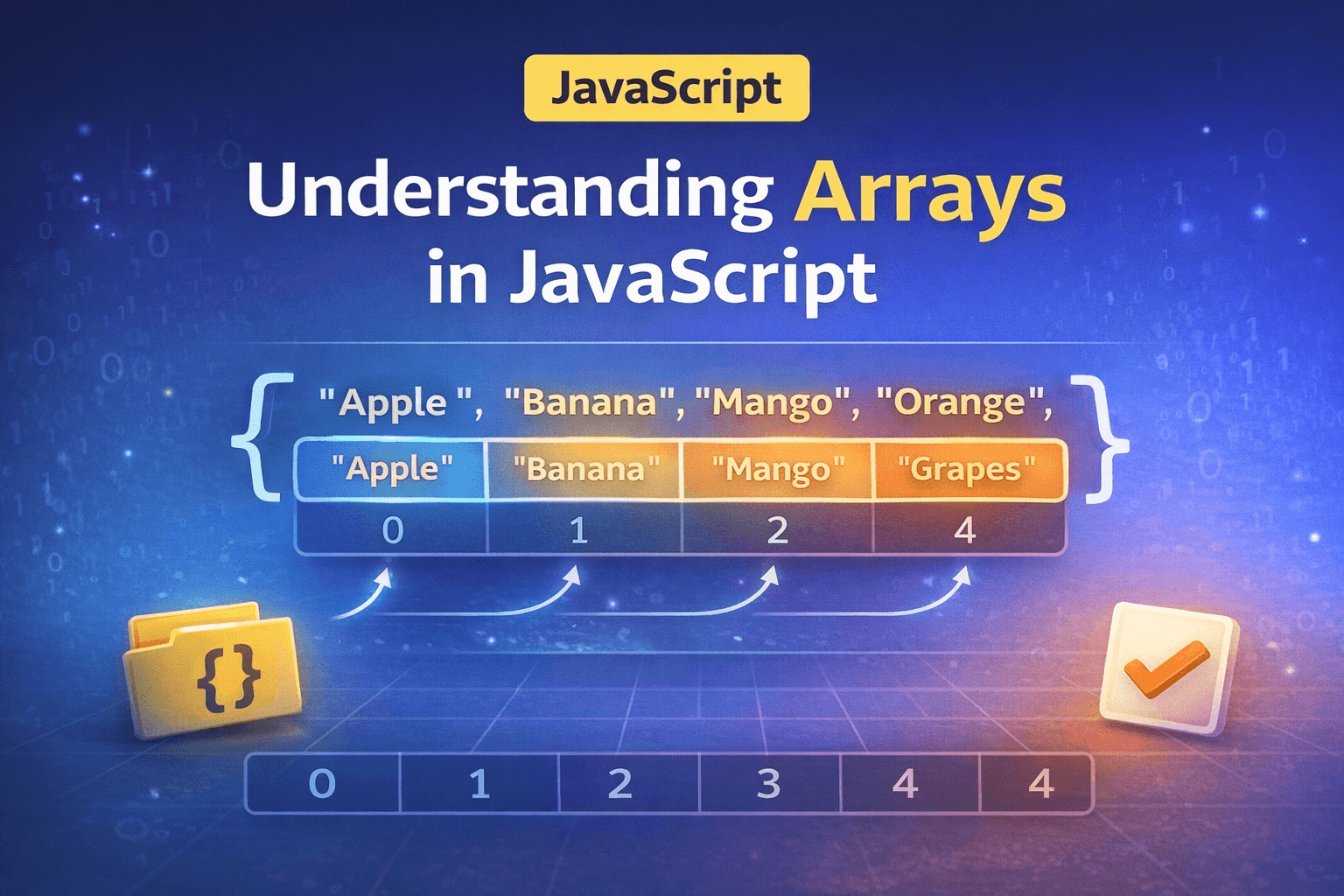
An array is a collection of values stored in a specific order. Instead of creating many variables, we store multiple values inside a single structure.
You can think of an array like a list.
For example, suppose we want to store a list of fruits.
Apple
Banana
Mango
Orange
Grapes
Instead of writing five separate variables, we can store all of them inside an array.
let fruits = ["Apple", "Banana", "Mango", "Orange", "Grapes"];
Now the variable fruits holds five values.
Arrays are helpful whenever we need to store a group of related values, such as:
a list of fruits
marks of students
names of users
tasks in a to-do list
The key idea: whenever we want to store and access something sequentially, the array data structure is the most preferred to use.
Why Do We Need Arrays?
To understand the importance of arrays, let's compare two approaches.
Storing values individually
let task1 = "Complete homework";
let task2 = "Buy groceries";
let task3 = "Call friend";
let task4 = "Read a book";
This works for small cases. But if we want to display all tasks, we must write separate code for each variable.
console.log(task1);
console.log(task2);
console.log(task3);
console.log(task4);
Now imagine there are 100 tasks. Managing them individually becomes difficult.
Using an array
let tasks = [
"Complete homework",
"Buy groceries",
"Call friend",
"Read a book"
];
All of this is now contained in a single variable named tasks. They are easily accessible or processed by us. The code becomes more structured and cleaner as a result.
How to Create an Array
In JavaScript, arrays are used to store multiple values in a single variable. They are ordered collections, which means every value inside the array has a specific position called an index.
There are two common ways to create an array in JavaScript. The first and most commonly used way is using square brackets []. The second way is using the new Array() constructor.
Creating an Array Using Square Brackets
The simplest and most common way to create an array is by using square brackets.
Inside the brackets, values are separated by commas.
Example:
let numbers = [10, 20, 30, 40];
This creates an array called numbers that contains four elements.
You can visualize it like this:
Index:  0   1   2   3
Value: 10  20  30  40
Each value has its own index, which allows JavaScript to access it quickly.
Another example:
let fruits = ["Apple", "Banana", "Mango"];
This array stores three fruit names.
Arrays can also contain different types of values.
Example:
let mixed = ["Hello", 25, true];
In this array:
"Hello"is a string25is a numbertrueis a boolean
Although JavaScript allows mixed types, in real programs, it is usually better to store similar kinds of values together.
Example using marks:
let marks = [85, 90, 78, 88, 92];
Creating an Array Using the new Keyword
Arrays can also be created using the Array constructor with the new keyword.
Example:
let fruits = new Array("Apple", "Banana", "Mango");
This also creates an array containing the same values.
Another example:
let numbers = new Array(10, 20, 30);
The result is the same as using brackets.
However, the constructor can behave differently when a single number is passed.
Example:
let arr = new Array(5);
This does not create [5].
Instead, it creates an array with five empty slots.
Index:  0   1   2   3   4
Value:  _   _   _   _   _
These slots exist but do not contain values yet.
Because of this behavior, most developers prefer using the square bracket syntax instead of the Array constructor.
Difference Between [] and new Array()
Both methods create arrays, but there is one important difference.
If multiple values are passed, both behave the same.
[1,2,3]          → normal array
new Array(1,2,3) → This also creates array and return that result
But when a single number is passed:
[5]           → array containing value 5 // so it contain 1 element
new Array(5)  → empty array with length 5 // so it contains 5 element
Arrays Are Reference Types
Arrays in JavaScript are reference types. This means the variable does not directly hold the values. Instead, it holds a reference to a location in memory where the array is stored.
Example:
let arr1 = [10, 20, 30];
let arr2 = arr1;

arr2[0] = 100;

console.log(arr1);
// Output
// [100, 20, 30]
Even though we changed arr2, the value in arr1 also changed. This happens because both variables refer to the same array in memory.
Shallow Copy of Arrays
A shallow copy creates a new array but copies the values from the original array.
One simple way to do this is using the spread operator.
Example:
let arr1 = [1, 2, 3];
let arr2 = [...arr1];

arr2[0] = 100;

console.log(arr1);
console.log(arr2);
Output:
[1, 2, 3]
[100, 2, 3]
Here arr1 remains unchanged because arr2 is a separate array.
This works well for simple arrays containing primitive values like numbers or strings.
Deep Copy of Arrays
A deep copy means creating a completely independent copy of an array so that changes in one array do not affect the other.
When arrays contain nested arrays or objects, a normal copy is not enough because inner elements may still share references. A deep copy ensures that every level of the structure is duplicated.
One modern way to create a deep copy in JavaScript is using structuredClone().
Example:
let arr1 = [[1, 2], [3, 4]];

let arr2 = structuredClone(arr1);

arr2[0][0] = 100;

console.log(arr1);
console.log(arr2);
Output:
[ [1, 2], [3, 4] ]
[ [100, 2], [3, 4] ]
Here, arr2 is a completely separate copy of arr1.
When we modify arr2, the original array arr1 remains unchanged.
The structuredClone() method creates a deep copy of the entire data structure, including nested arrays and objects. It is supported in modern JavaScript environments and is generally a better approach than older workarounds.
Accessing Elements Using Index
To get a value from an array, we use the index.
Note: Array index start form
zeroin JavaScript
Syntax:
arrayName[index]
Example:
let fruits = ["Apple", "Banana", "Mango", "Orange"];

console.log(fruits[0]);
// Output:: Apple
Updating Array Elements
Arrays are not fixed. We can modify any value by assigning a new value to its index.
Example:
let fruits = ["Apple", "Banana", "Mango"];

fruits[1] = "Orange";

console.log(fruits);
// Output : ["Apple", "Orange", "Mango"]
Here we replaced "Banana" with "Orange".
The Array Length Property
Every array has a special property called length.
It tells us how many elements are inside the array.
Example:
let fruits = ["Apple", "Banana", "Mango", "Orange"];

console.log(fruits.length); // Output 4
This means there are four elements in the array.
The length property is very useful in many situations. For example, if we want to find the last element of an array.
Since indexing starts at 0, the last index is always:
length - 1
Example:
let fruits = ["Apple", "Banana", "Mango", "Orange"];

console.log(fruits[fruits.length - 1]); // Output Orange
This technique works even if the array size changes.
Looping Through Arrays
Often, we need to access every element in an array. Instead of writing many statements manually, we use loops.
The most common loop used with arrays is the for loop.
Example:
let fruits = ["Apple", "Banana", "Mango", "Orange"];

for (let i = 0; i < fruits.length; i++) {
console.log(fruits[i]);
}
Output:
Apple
Banana
Mango
Orange
Here is another example with numbers.
let numbers = [10, 20, 30, 40, 50];

for (let i = 0; i < numbers.length; i++) {
console.log(numbers[i]);
}
Output:
10
20
30
40
50
Loops make arrays powerful because they allow us to handle many values with very little code.
How Array Stores the Value
To better understand arrays, imagine memory blocks.
Example array:
let numbers = [5, 10, 15, 20];
Visual representation:
Index:   0    1    2    3
        -------------------
Value: | 5 | 10 | 15 | 20 |
        -------------------
Each block stores a value.
The index tells us which block to access.
If we want the value 15, we access index 2.
numbers[2]
This structured storage makes it easy for the program to retrieve data quickly.
Real Life Example of Arrays
Consider a simple to-do list application.
Instead of storing tasks separately, we use an array.
let todoList = [
"Finish project",
"Study JavaScript",
"Exercise",
"Read a book"
];
Now we can easily display all tasks.
for (let i = 0; i < todoList.length; i++) {
console.log(todoList[i]);
}
If a task changes, we update it.
todoList[1] = "Study arrays in JavaScript";
This flexibility makes arrays essential in programming.
Array Inbuilt Methods in JavaScript
Arrays in JavaScript are not just simple collections of values. They come with many built-in methods that help us perform common operations such as looping through elements, transforming values, filtering data, or combining values.
These methods make working with arrays much easier and reduce the need for writing manual loops.
forEach()
The forEach() method is used to iterate over an array and execute a function for each element. It is mainly used when we want to perform an action for every element in the array.
Unlike some other array methods, forEach() does not return a new array.
Example:
let fruits = ["Apple", "Banana", "Mango", "Orange"];

fruits.forEach(function(element, index) {
    console.log(index, element);
});
Output:
0 Apple
1 Banana
2 Mango
3 Orange
Here, the callback function receives the element and its index, and we print them using console.log.
Arguments accepted by the callback:
(element, index, array)
Return value:
undefined
map()
The map() method is used to create a new array by transforming each element of the original array.
It runs a callback function on every element and stores the returned values in a new array.
Example:
let numbers = [1, 2, 3, 4];

let doubled = numbers.map(function(num) {
    return num * 2;
});

console.log(doubled);
Output:
[2, 4, 6, 8]
In this example, every number in the array is multiplied by 2, and the result is stored in a new array.
Arguments accepted by the callback:
(element, index, array)
Return value:
A new transformed array
The original array remains unchanged.
filter()
The filter() method creates a new array containing only elements that satisfy a given condition.
It runs the callback function on each element and includes the element in the new array only if the function returns true.
Example:
let numbers = [10, 15, 20, 25, 30];

let result = numbers.filter(function(num) {
    return num > 20;
});

console.log(result);
Output:
[25, 30]
Here, the callback checks if the number is greater than 20. Only those numbers are included in the resulting array.
Arguments accepted by the callback:
(element, index, array)
Return value:
A new filtered array
reduce()
The reduce() The method is used when we want to combine all elements of an array into a single value.
It processes the array from left to right and keeps updating an accumulated value.
Example:
let numbers = [1, 2, 3, 4];

let sum = numbers.reduce(function(accumulator, currentValue) {
    return accumulator + currentValue;
}, 0);

console.log(sum);
Output:
10
Explanation:
accumulatorstores the running resultcurrentValueis the current element being processed0is the initial value of the accumulator
Arguments accepted by the callback:
(accumulator, currentValue, index, array)
Return value:
A single accumulated value
This method is often used for operations like calculating sums, averages, or combining values.
Summary
JavaScript arrays organize several values into a single variable. Every element has an index that begins at 0, making updates and access simple. The number of elements is displayed by the length property, and loops facilitate effective processing.
Assignment
Create a program that performs the following tasks.
Create an array containing five of your favorite movies.
Print the first movie and the last movie from the array.
Change one movie in the array and print the updated array.
Use a loop to print every movie in the array.
Example starting point:
let movies = ["Movie1", "Movie2", "Movie3", "Movie4", "Movie5"];
Try implementing the tasks step by step. This will help reinforce your understanding of arrays and how they work.